To fix this issue, please reactivate the account
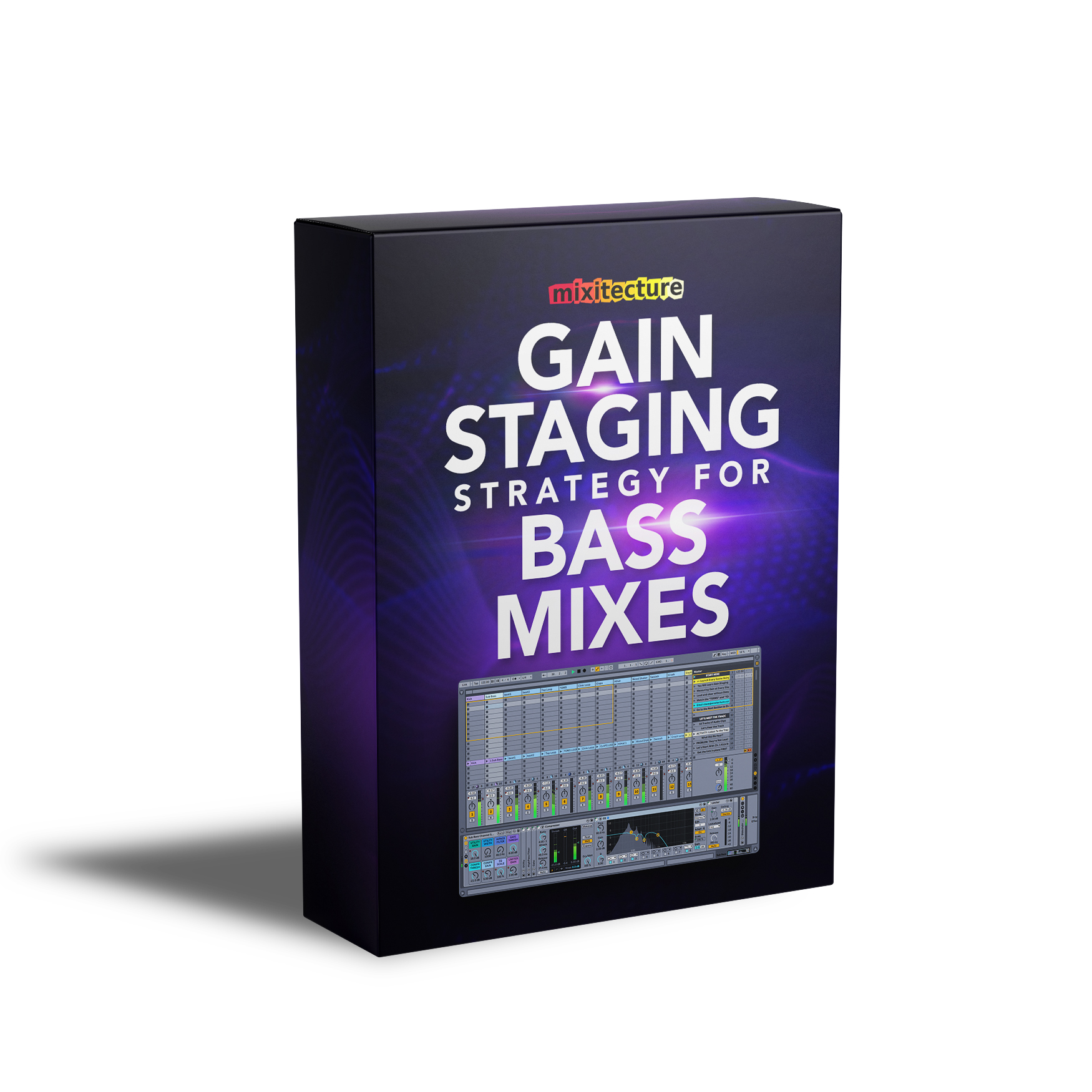
Do you have trouble making your mixes sound right?
Is it hard for you to make your tracks sound as loud as the music you listen to?
Well guess what, this is NOT a problem of which plugins you use, or how much compression you put on the master channel.
Mixing electronic music starts from a simple but important technique called Gain Staging.
And when you learn how to do it right, your tracks will start dropping serious BASS.
EVERYBODY IS TALKING ABOUT GAIN STAGING
But most of the answers you see in the Ableton user groups are incomplete, useless, way too long, or just plain WRONG!
That's why I built a revolutionary hands-on course to teach Gain Staging for Ableton users, that will help you drop tight, focused, heavy DEEP BASS in every mix.
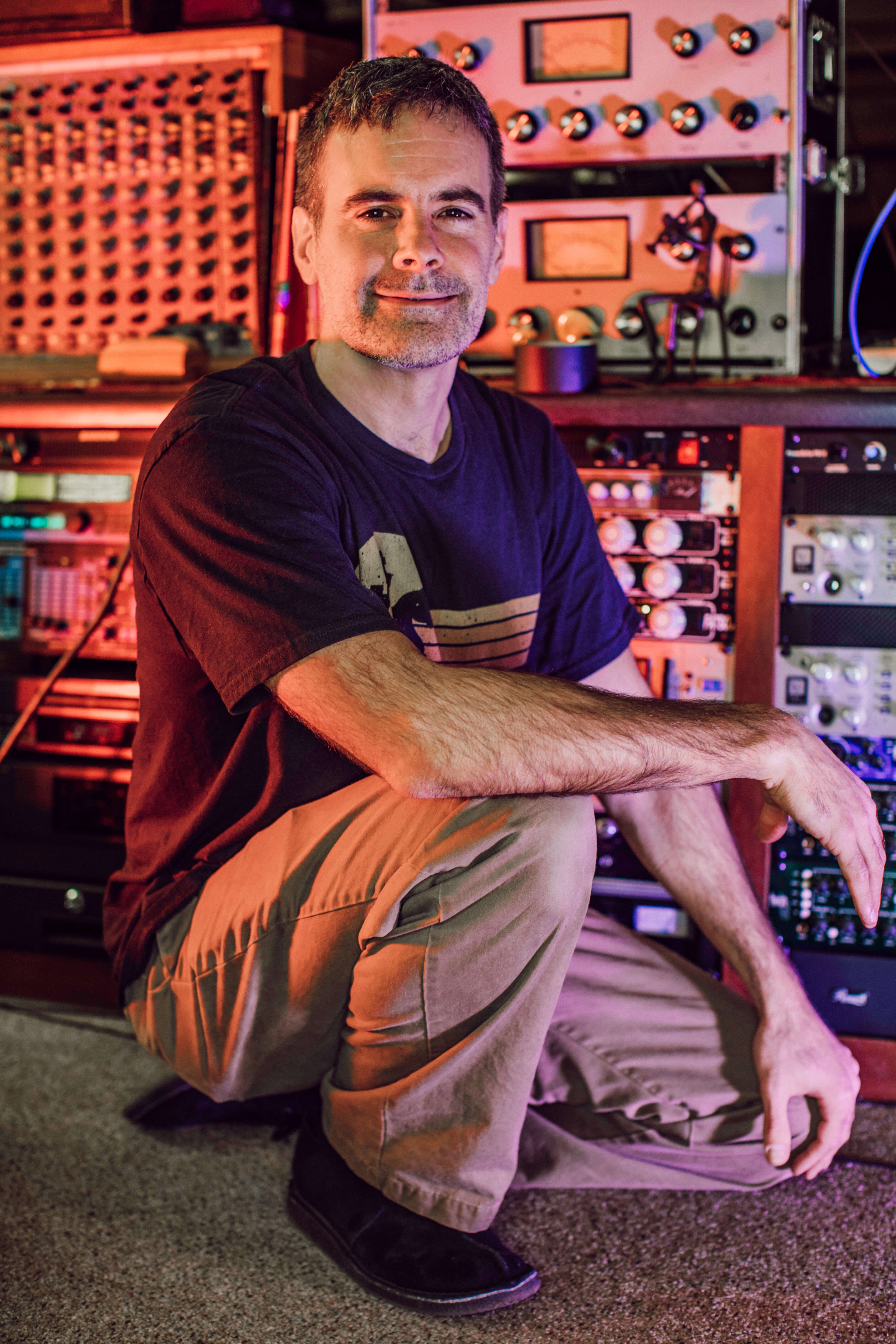
Hi, I'm Steve Knots.
I've spent the last 20+ years producing original electronic music, DJ'ing, and doing live sound for literally hundreds of bands.
I've mixed on sound systems from bars and clubs up to 30kW outdoor festival systems and let me tell you...
Gain Staging is something YOU NEED TO KNOW.
At the core, it's just a simple process of measuring and adjusting the levels of all the sounds in your mix.
But there's a technique you need to know to really get it right, so you can mix with confidence and stop guessing where to set your levels.
Thats why I created a totally new way for you to learn Gain Staging and Mixing, with hands-on Activities inside Live.
This is completely essential for making your tracks drop bass.
Now, I love teaching, but I didn't want to make you sit through a stack of boring videos.
So I invented a revolutionary new kind of Ableton tutorial called Session Lessons®.
Mixitecture Session Lessons are unique because you learn by doing hands-on activities inside Live, instead of watching videos.
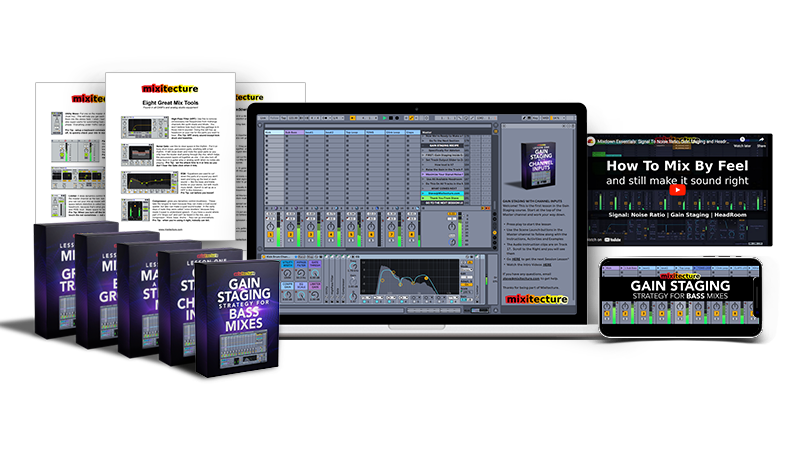
This is what you see when you open one up.
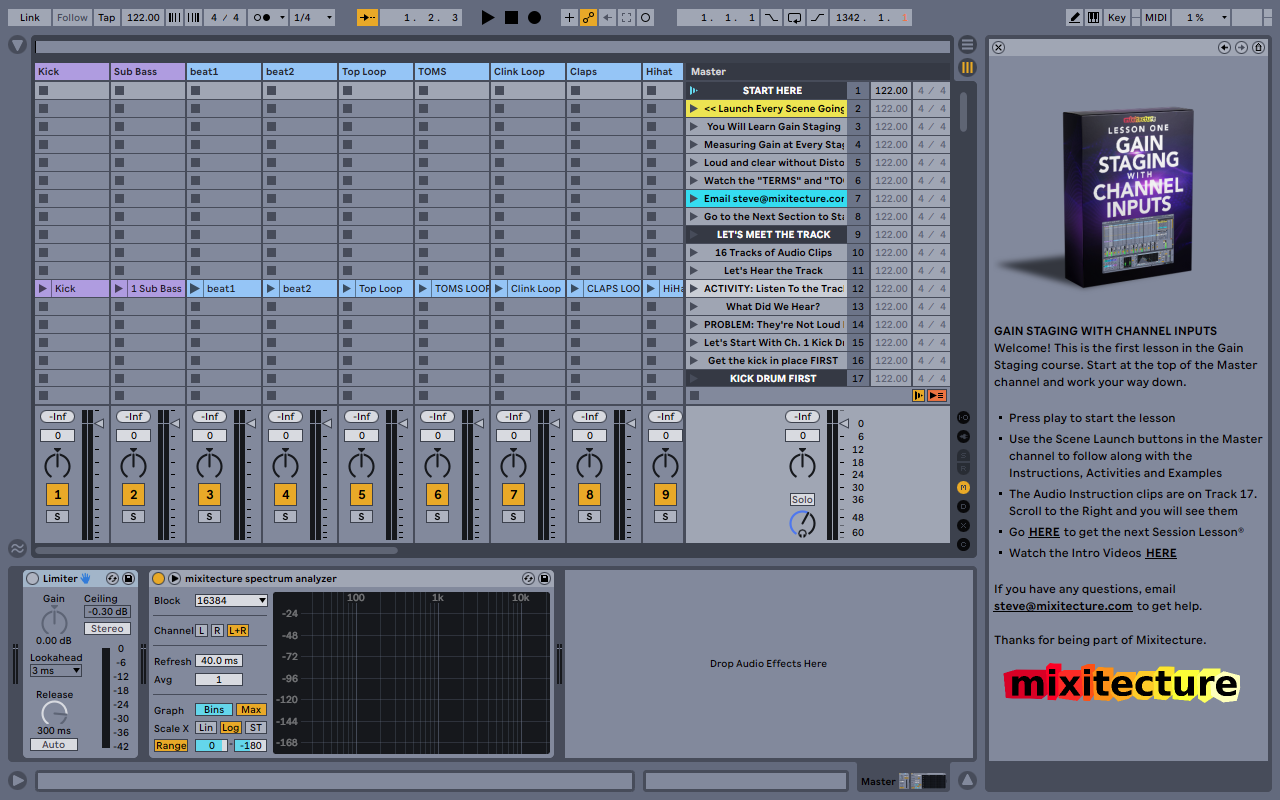
REVOLUTIONARY HANDS-ON LESSONS
They're called Session Lessons because you do the whole thing in Session View.
But these Projects are different because they guide you through Instructions, Examples and Activities.
That means you learn by doing it, not watching videos.
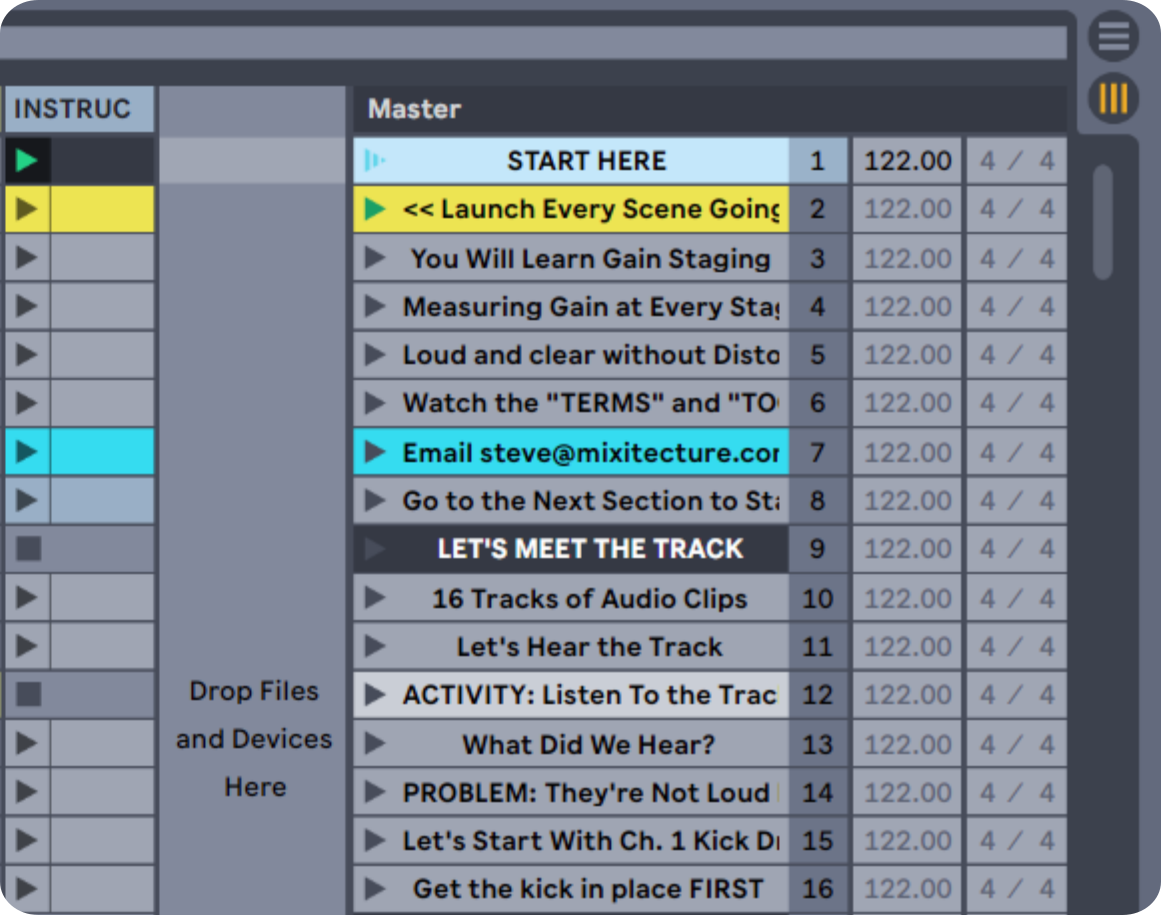
AUDIO INSTRUCTIONS
First you press play and hear Audio Instructions that explain the Lesson.
The Instructions tell you where to look, what you'll hear and which details to listen for.
Then you watch Automated Examples that show you what to do.
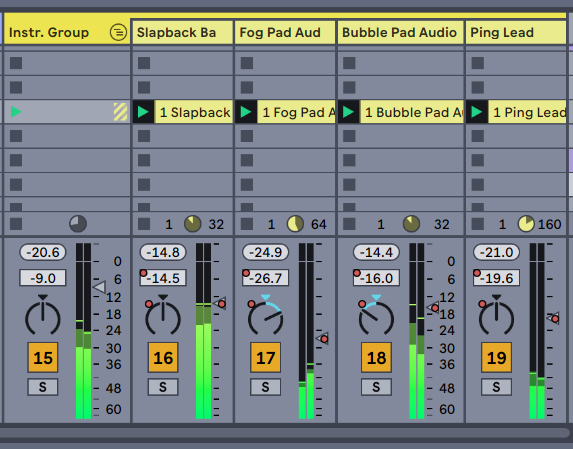
AUTOMATED EXAMPLES
Mixitecture Session Lessons use Automation as a teaching tool.
It's an innovative way to show you exactly what to do, so you can follow along and hear the results.
After you see the Automation move, you get to grab the controls and do hands-on Activities with the sounds.
Hands-on learning is the most fun because it follows your natural desire to tweak knobs!
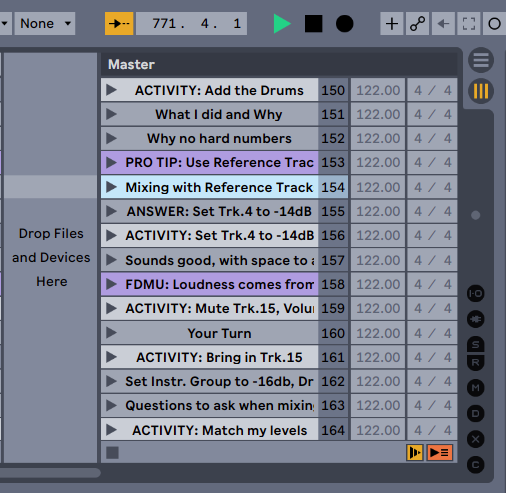
HANDS-ON ACTIVITIES
The Activities take you step-by-step through the process of making a mix, dialing in effects and hearing it snap into focus.
At the end you get clear and simple Review sections to lock in what you learned.
It's organized info you can review until you're confident doing it in your own Projects to get great sound.
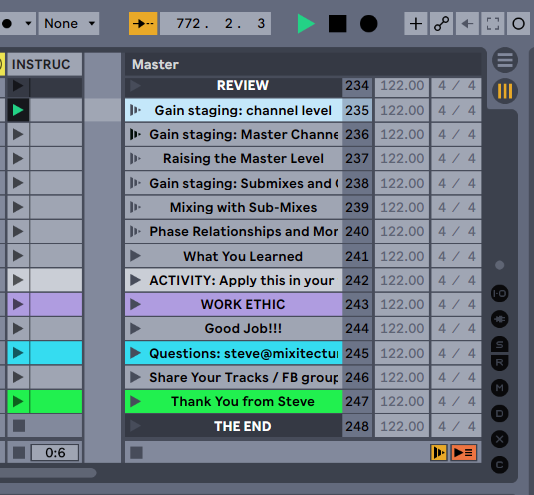
LEARN BY DOING IT
The combination of Audio Instructions, Automated Examples and Hands-on Activities make this the best possible way to learn Gain Staging.
Session Lesson® tutorials are the best way to learn production skills with Ableton because you learn by DOING IT.
Finally there's a way to clear up the confusion about mixing bass music, so you can make your tracks sound Pro.
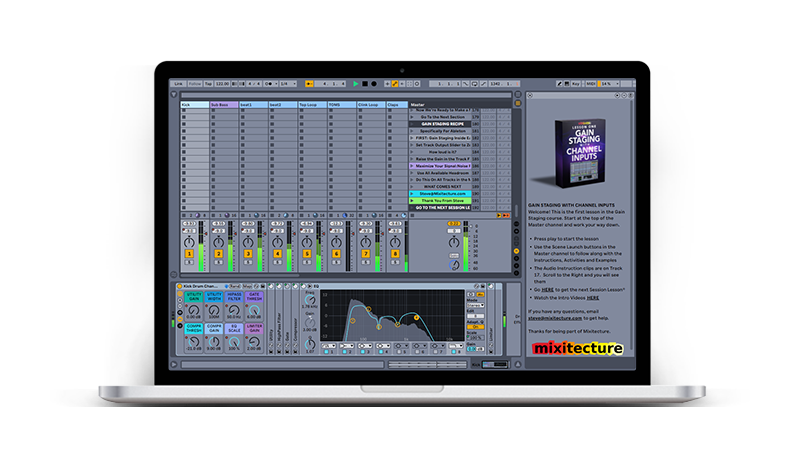
Gain Staging Strategy for Bass Mixes
This is real audio engineering knowledge, customized for Ableton Live, and it's going to change the way you mix forever.
You'll get a crystal-clear understanding of how to do Gain Staging and make your mixes sound Loud.
You'll be able to solve your mix problems and make great-sounding tracks without feeling frustrated and wasting time.
And you'll come away with a mix strategy that you can use in every Track you touch, for the rest of your life.
By the end of this course, you'll be able to make your mixes drop deep Bass the way you've been wanting.
Join "Gain Staging Strategy for Bass Mixes"
A revolutionary hands-on Ableton Live course to help you make hard-hitting low-end mixes that drop serious BASS.
A simple Gain Staging strategy that you can use with literally every Track you ever mix
How to make balanced stereo mixes that feel Crisp, Wide, Full, Heavy and DEEP
The secret of where a loud mix comes from (hint: it’s not the channels in your session)
How to avoid fatal mistakes like Distortion and Over-Compression
The workflow to break a complicated project down into small steps that make mixing fast and easy
Pro Tips on using EQ, Compression and Limiters as part of your Mix Strategy
Reverb and Delay Techniques to add Space and Dimension in your Mixes
The Art of preserving Headroom so your mix will be ready for Mastering
Mental clarity about the mix process
How to fix problems in broken tracks that never worked
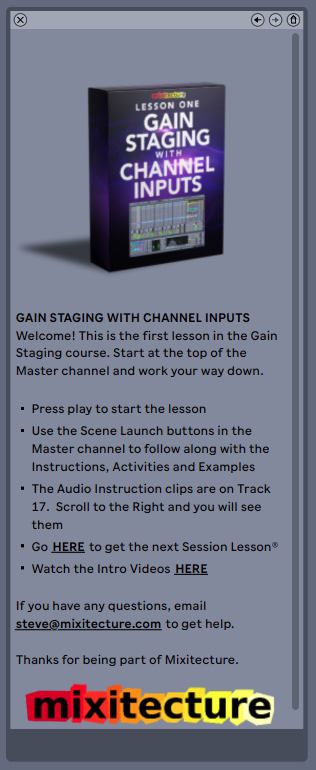

Module 1: Gain Staging with Channel Inputs
In the first Module you learn how to apply the Gain Staging technique to hear a dramatic improvement in the track, and you'll learn the most important secret of Gain Staging: How to get a loud mix. ($125 Value)
Module 2: Making A Great Stereo Mix
In the second Module you'll learn how to make a great-sounding stereo mix, using the channels we tweaked in Module 1. This is where you get the mix strategy to make your track sound loud and clear, with HEAVY low end. ($125 Value)
Module 3: Mixing with Group Tracks
In this lesson you'll learn about stereo submixes and how to approach them.
We go into detail about how to apply Compressor, EQ and Limiter on drums and synths.
By the end you will know how to get your kick drum and sub-bass working together as one unit, so you can stop those constant adjustments of your bass frequencies. ($125 Value)
Module 4: Mixing with Bus Groups
In the fourth lesson you'll learn how to break down a complex session into small pieces that are easy to manage. We'll review the art of making a balanced stereo mix, including FX and prep for mastering. ($125 Value)
How To Do Gain Staging
Online review of the entire process, to lock in what you learned in the hands-on Lessons.. ($79 Value)
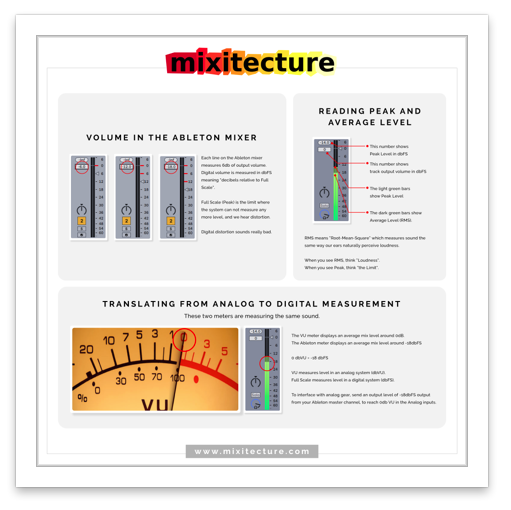
Guide to VU Meters [PDF]
Simple explanation of how Ableton's Peak Level Meters translate to Analog VU meters so you can use vintage-modeled plugins OR real hardware mix gear. ($79 Value)
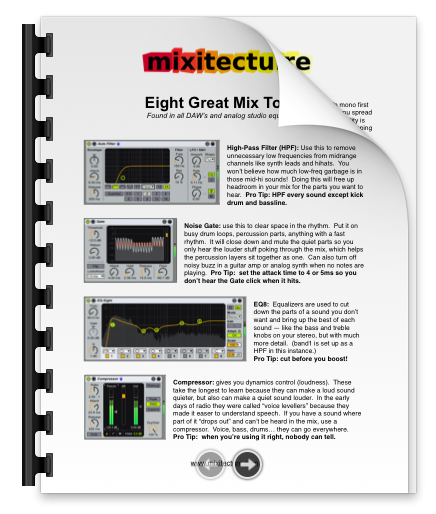
Eight Great Mix Tools [PDF]
Find out which audio engineering tools you'll need to reach for in every mix, whether you're in Ableton Live or an analog hardware recording studio. ($79 Value)
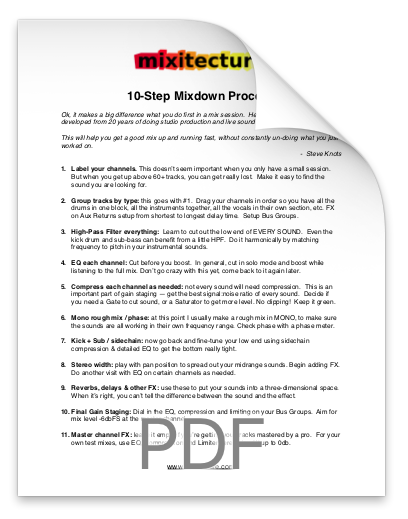
Ten Step Mixdown Guide [PDF]
This mix strategy tells you what to do with your plugins, in order, to make a great mix every time. ($79 Value)
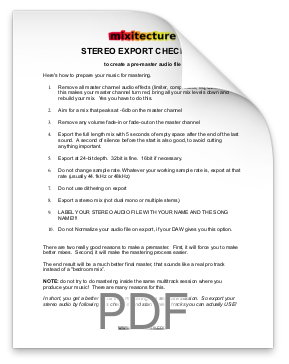
Stereo Export Checklist [PDF]
This guide helps you remember all the important elements of the mix that you need to check before you're ready to export a stereo mix ($79 Value)
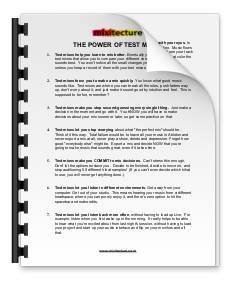
The Power Of Test Mixes [PDF]
Nothing improves your mixing faster than listening to your Test Mixes... this guide tells you why, how and when to do it. ($79 Value)
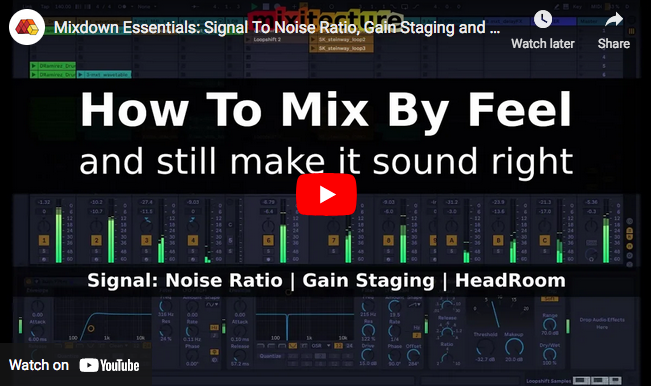
How To Mix By Feel [VIDEO]
Review the three main principles of Gain Staging and watch me apply them in a mix. ($79 Value)
SPECIAL
And because I want you to start making great mixes right away, I'm throwing in these additional bonuses at no extra charge.
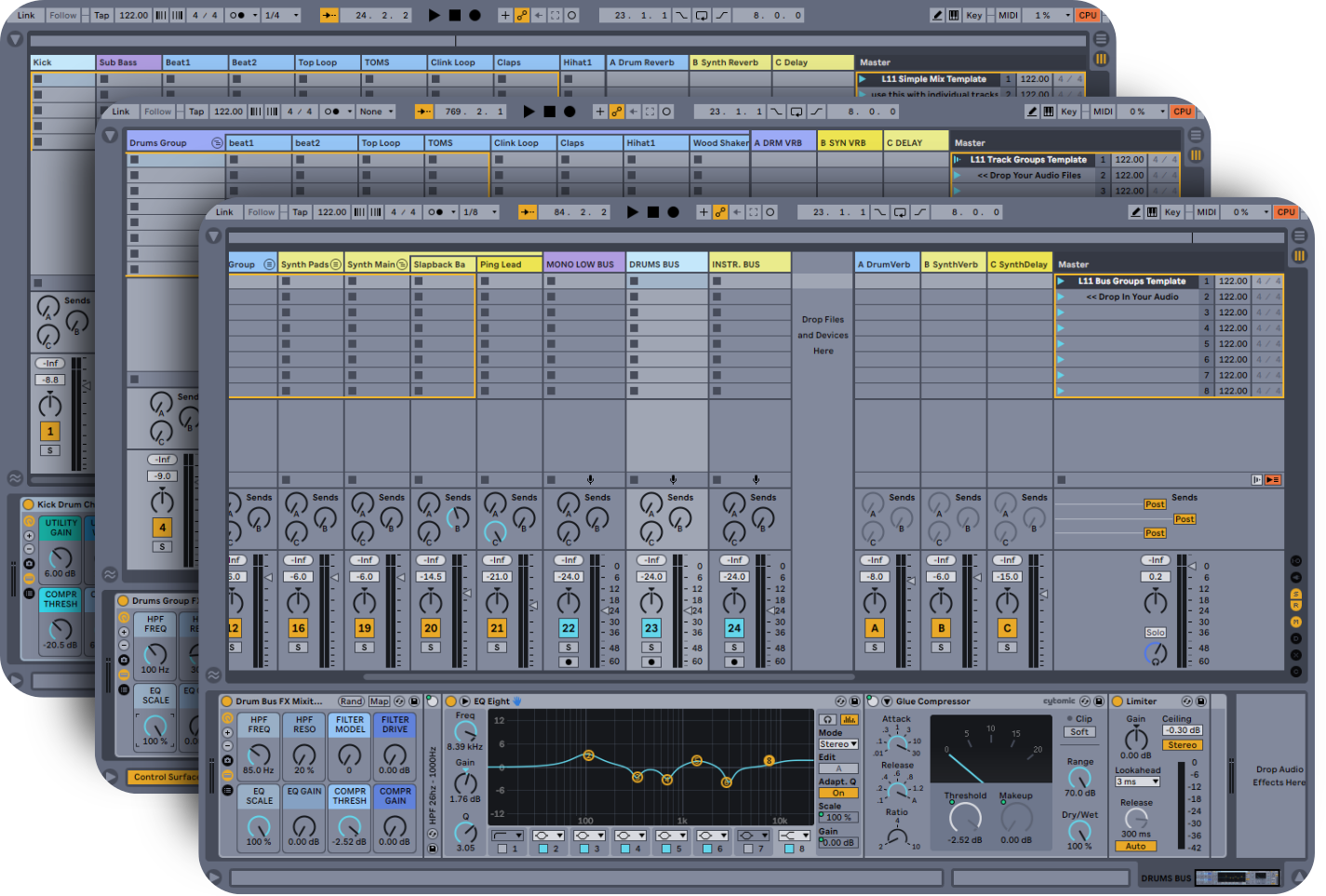
Ableton Mix Templates
($147 Value)
Three blank Ableton Projects setup with channel strips and FX units from the course, ready for you to drop your audio in and start mixing.
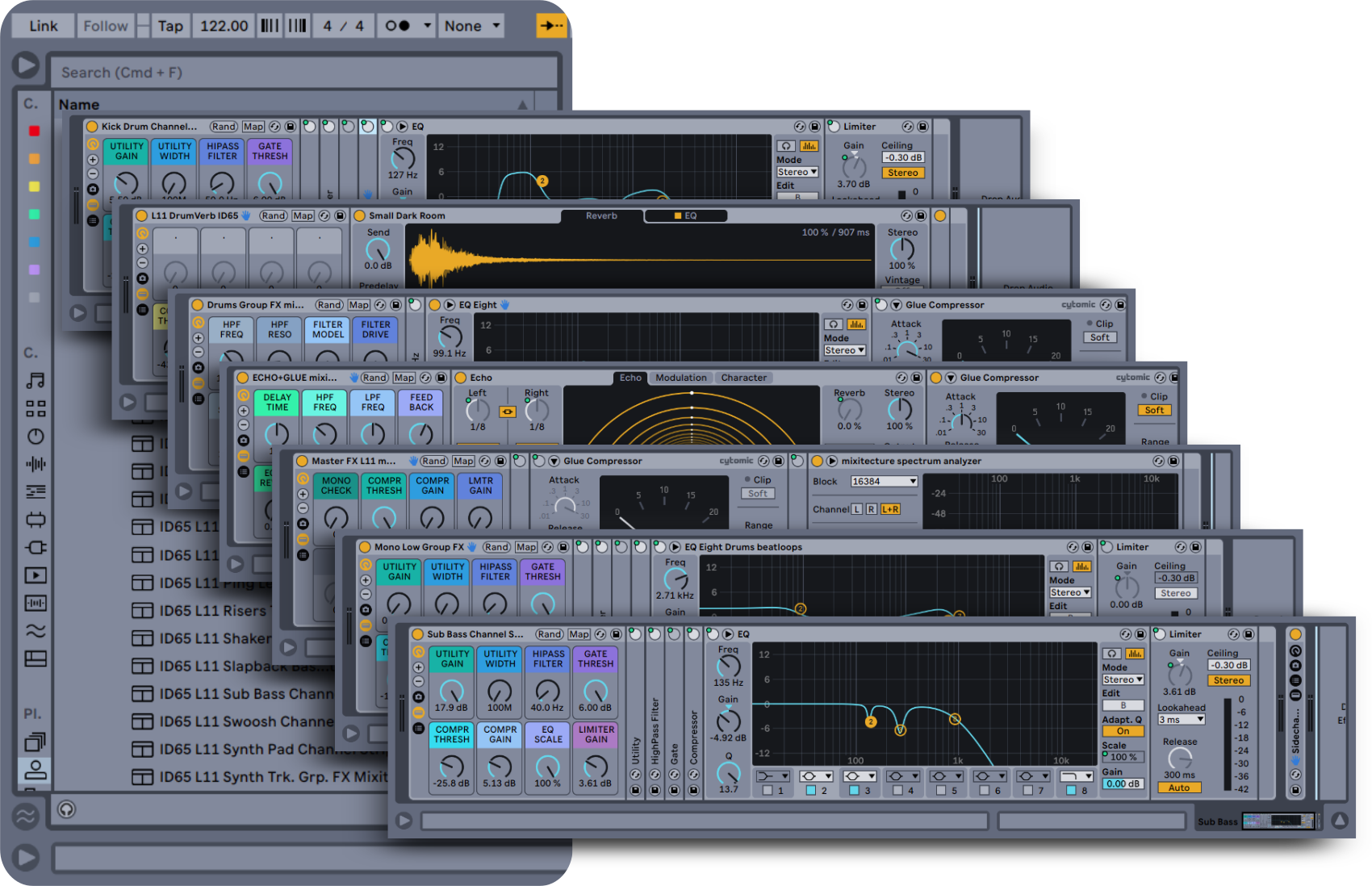
Audio FX Rack Presets
($67 Value)
These 24 macro-mapped Audio Effect Racks are ready to drag into any Mix session and get control of your Instruments, Groups, Buses, Return FX and Master Channel!
I know you are going to absolutely fall in love with the mixes you make after going through Gain Staging Strategy for Bass Mixes! In fact, if you don't hear a dramatic improvement in your tracks within 30 days, I'll give you your money back. - Steve Knots